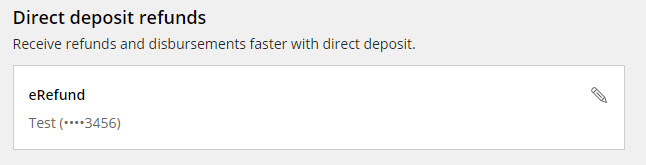
Refund Direct Deposits
Refunds of financial aid and other credits will now be sent directly to your bank account through Transact. If you provided a bank account and routing number to the Office of Student Finance through the Direct Deposit process in MyFSU Student Central, your account information has been automatically converted to Transact. If you would like to sign up for direct deposit, modify an existing record, or delete a direct deposit account, you will perform those actions in Transact. Transact provides a safe and secure way to manage your refund bank accounts with FSU.
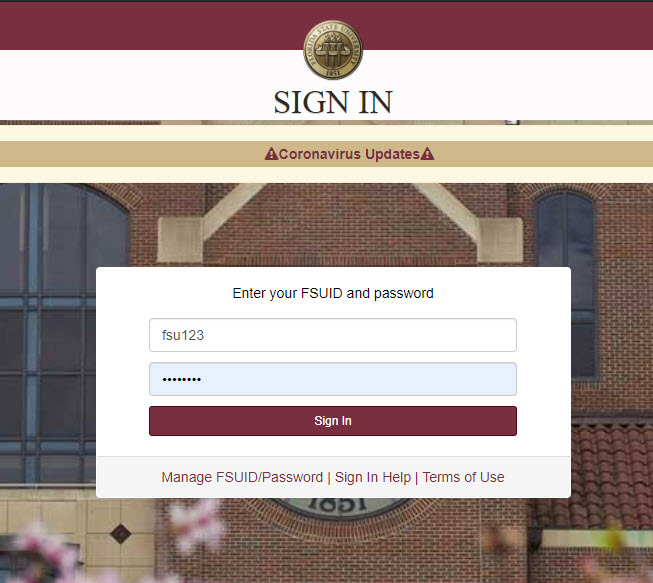
Step 1: Log in to https://my.fsu.edu
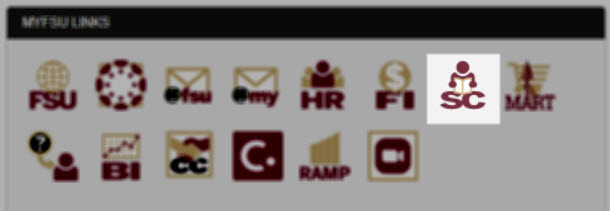
Step 2: Select "SC" to enter Student Central
Note: If you are a faculty or staff member, your experience will differ from the student point of entry. To access Transact as a faculty or staff member, navigate to the My Finances portlet in the MyFSU Portal and click "Make a Payment".
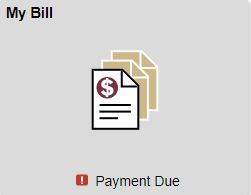
Step 3: Select "My Bill" to enter your student financial account
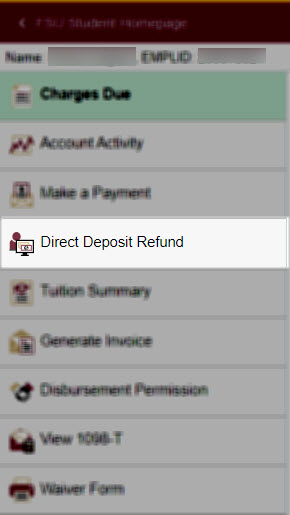
Step 4: Select "Direct Deposit Refund" to be redirected to Transact
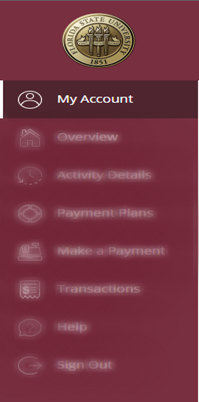
Step 5: Select "My Account" from the Transact menu
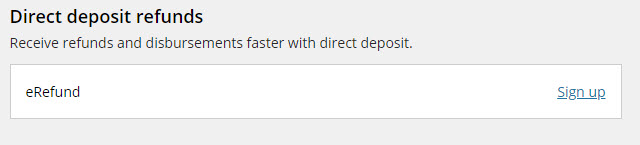
Step 6: Select "Sign Up" in the Direct Deposit Refunds area
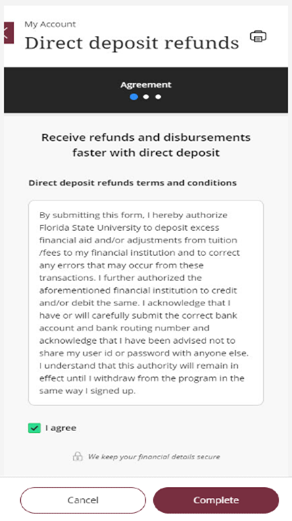
Step 7: Agree to the Terms and Conditions of e-refunding
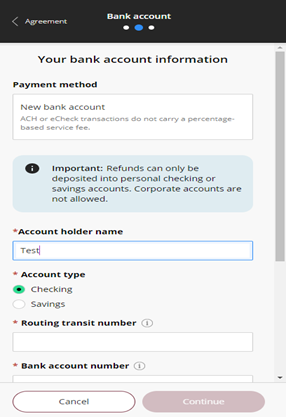
Step 8: Enter your refund bank account details
Note: Whether a bank account is "checking" or "savings" matters during the deposit process. Be sure to select the right option for your account.
Step 9: Bank account review
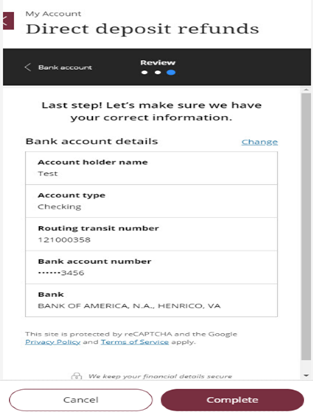
Step 10: Security verification process and email
After selecting "Complete," Transact will notify you that it needs to validate your identity. You will receive an email to your MyFSU email address, which contains a code needed to complete bank account setup.
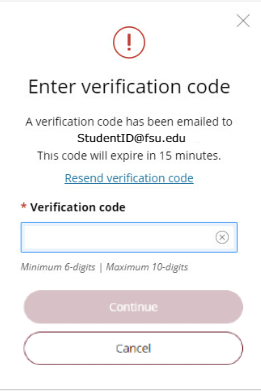
Step 11: After entering your code, the bank account will appear as an e-refund account